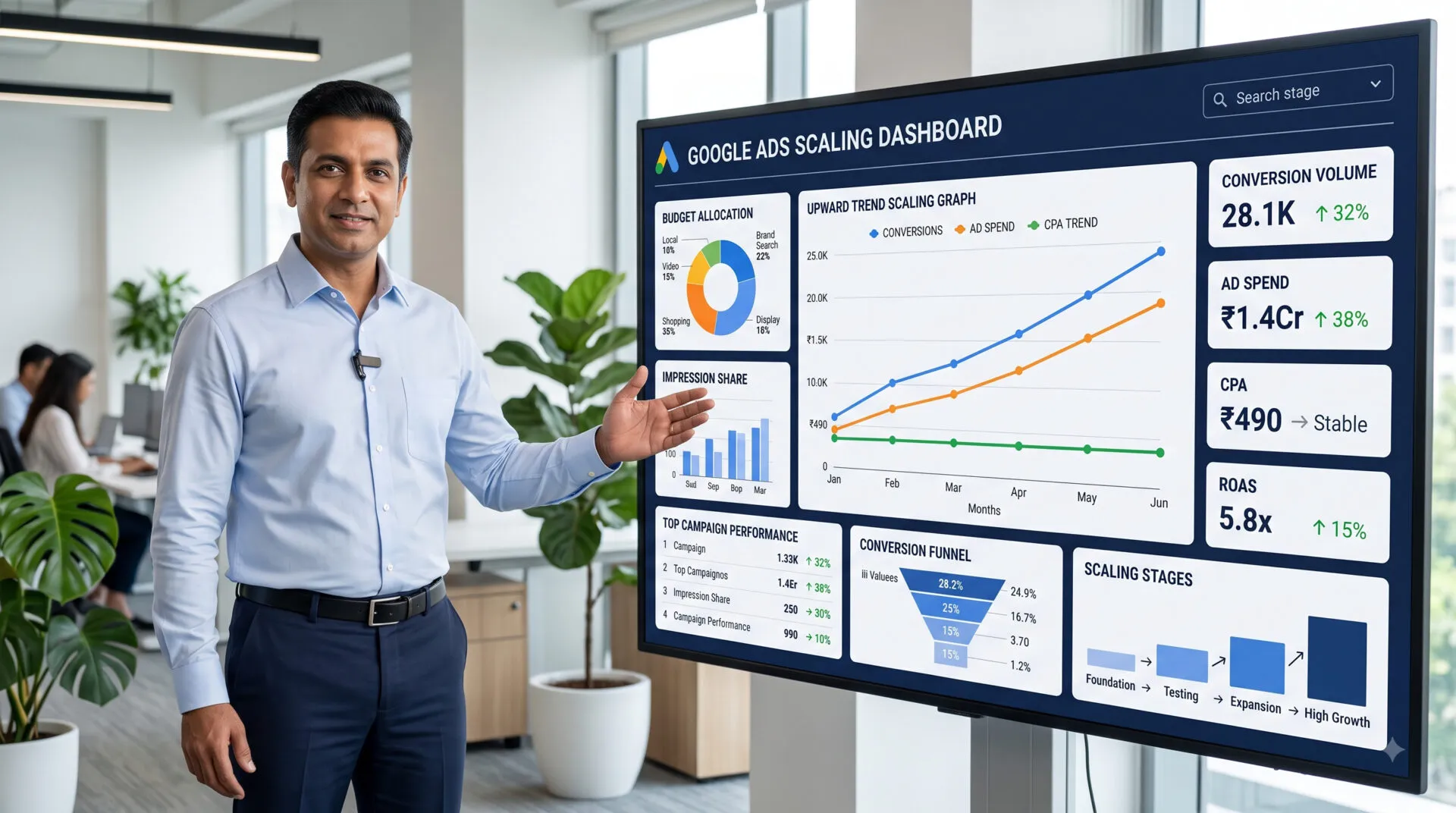
Scaling a Google Ads account isn't just raising the daily budget and hoping performance holds. Most accounts that "stop working after scaling" weren't broken by scale itself — they were scaled before the account was actually ready, or scaled in a way that broke the signals the algorithm depends on. This checklist covers what to check before you scale, how to scale without wrecking CPA or ROAS, and the mistakes that show up most often when budgets go up too fast.
Scaling too early is the single most common cause of performance collapse. Check these three things first:
Smart Bidding needs a stable conversion history to work with — as a rule of thumb, at least 30 conversions per campaign in the last 30 days before you touch the budget. Scale a campaign with thin data and the algorithm re-learns on the fly, usually at your expense.
Pull the search terms report before scaling, not after. If a meaningful share of spend is going to loosely related or low-intent queries, more budget just amplifies the waste. Clean the query mix first.
Check Impression Share > Lost IS (Budget) in the campaign metrics. If it's high, the campaign is already demand-constrained by budget — that's a genuine scaling signal. If Lost IS is mostly from Rank instead, raising budget won't fix the real bottleneck.
Verify conversion tracking is firing correctly and attributing to the right actions before you increase spend. Scaling on top of broken or inflated tracking data just scales the error along with the budget.
Once the account is ready, how you increase spend matters as much as whether you should:
Raise budgets in steps of roughly 15–20% every few days rather than doubling overnight. Large, sudden jumps push Smart Bidding into a fresh learning phase, which is exactly when CPA tends to spike.
Scaling the whole campaign spreads budget across every ad group evenly, including underperformers. Scaling specific ad groups that are already converting efficiently is usually the safer lever, and it's easier to isolate which change actually moved performance.
Target CPA and Target ROAS strategies can resist scaling because the algorithm is protecting the target you set. If growth stalls, a controlled target adjustment or a temporary switch to Maximize Conversions with a budget cap often unlocks volume more predictably than repeatedly nudging the target.
Scaling isn't only about budget — expanding who and where you target needs the same discipline:
Expand location targeting one region at a time and watch performance separately by geo before rolling out further. A location that converts well in one city won't automatically behave the same way in another.
Expand into adjacent keyword themes gradually, using search-term data from existing winners as the source rather than guessing new terms. Broad, untested expansion is one of the fastest ways to dilute an otherwise efficient campaign.
As reach grows, irrelevant traffic grows with it unless the negative keyword list grows too. Review search terms weekly during any scaling period, not just at campaign setup.
More impressions mean ad fatigue shows up faster. Keep at least two to three genuinely different ad variations testing at all times so scaled traffic isn't all being served one aging creative.
Higher traffic volume exposes weak page load times, server capacity, and form-handling limits that a smaller campaign never stressed. Confirm the landing page can handle the increased load before, not after, spend goes up.
The most common scaling mistake isn't any single tactic above — it's changing several of these variables at once (budget, targeting, and bidding strategy together) and then being unable to tell which change caused a performance shift. Scale one lever at a time, give it enough days to clear the learning phase, and measure before making the next change.
